

Schema is useful and badly oversold. Here is what it does, and where it does nothing.
Schema markup gets oversold. People treat it like a cheat code for AI search. It is not one. Useful, yes. But most stores either skip it or set it up wrong.
Let me keep this plain. What schema is. What answer engines actually read from it. And where it helps you, versus where it does nothing. No magic. Just the parts you control.
What schema markup actually is
Schema markup is code you add to a page. It labels what is on the page. This is the price. This is the rating. This is the stock status. A shopper already sees all that. Schema just says it in a way a machine can read without guessing.
It is usually JSON-LD. A small block in the page code. You do not see it. The engine does. That is the whole point. You hand it the facts in a form it can read.
What answer engines actually read from it
Now the honest bit. Schema does not make an engine rank you. It does not make it quote you. It helps it read your page right. The product. The price. Stock. Brand. Reviews. Label those, match them to the page, and the engine has less room to get you wrong.
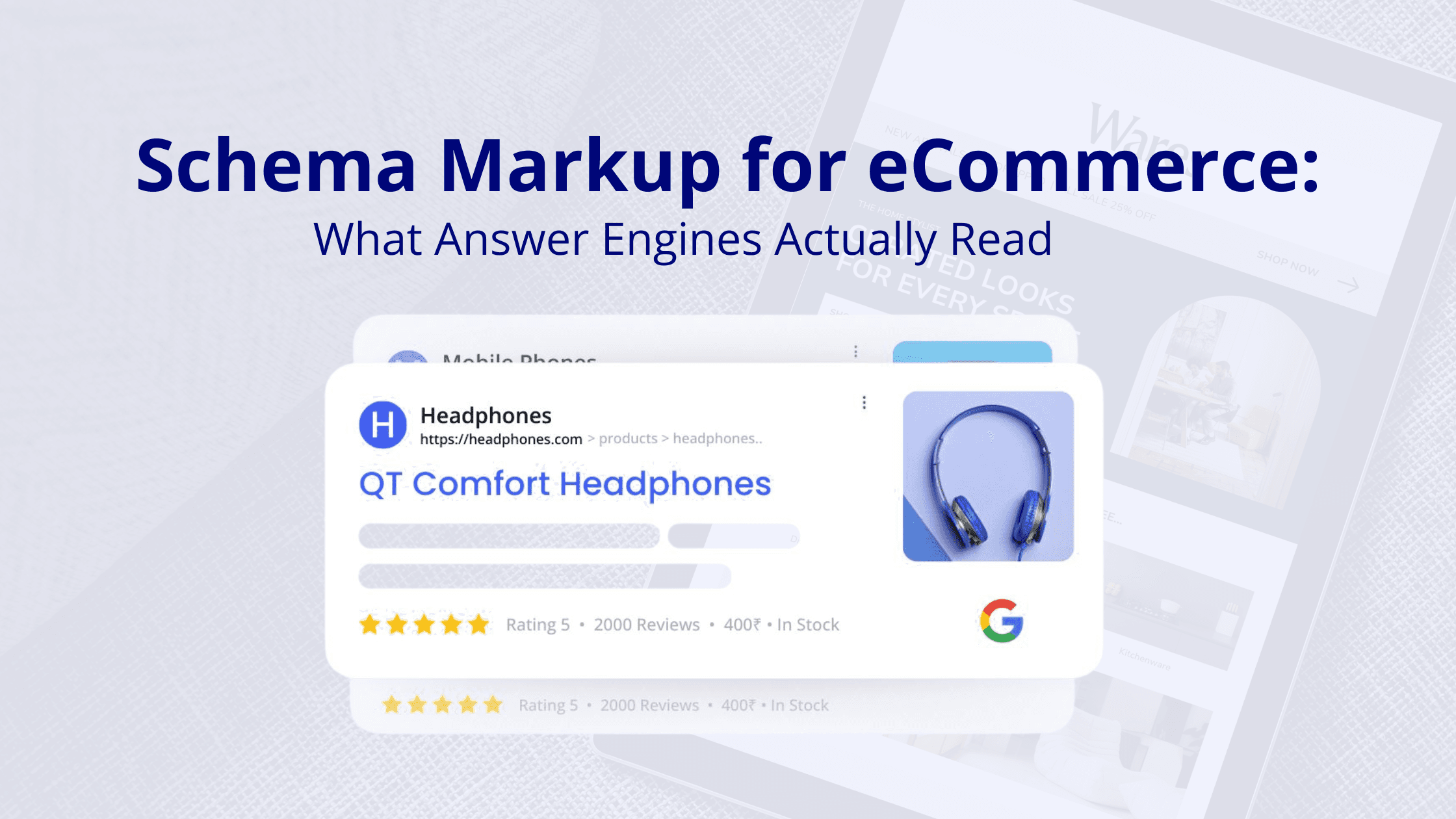
Google uses that data to decide if your page can show a rich result. Star ratings. Price and stock in the listing. For AI answers it is looser. No special schema gets you into AI Overviews or AI Mode. Markup does not buy a citation. It is one signal. Clear page content does most of the lifting.
The schema types that matter for ecommerce
You do not need every type. These are the ones worth your time.
- Product. The main one. Names the product, brand, description, image. Ties the price and reviews together.
- Offer. Goes inside Product. Holds price, currency, and stock. This is what shows the price and in-stock line in search.
- AggregateRating and Review. The stars and the review data. Only use it where the page has real reviews and meets Google’s review rules. No faked or self-serving ones.
- BreadcrumbList. Shows where the page sits in your site. Can show the breadcrumb trail in search.
- Organization or Brand. Tells engines who you are as a business.
- ItemList. For category and collection pages. Describes the list of products on them.
Start with Product and Offer on product pages. That is where the details shoppers and engines want live. Add the rest where it fits.
What no longer earns a rich result
Here is where stores waste time, so I will be blunt. Two types people still mark up for nothing.
- FAQ. Google stopped showing FAQ rich results. As of May 2026 they are gone from search. Keep FAQ content on the page if it answers real questions. The markup does no harm. Just do not expect a rich result from it.
- HowTo. Google pulled HowTo rich results back in 2023. Same thing. The content can help a reader. The rich result is not coming back.
So do not add schema hoping Google shows a special feature for it. Check what earns a result today. Mark up for accuracy and real eligibility, not a feature that is dead.
The one rule that makes schema work
One thing to remember above the rest. Your markup has to match the page. Price in the markup equals price on the page. In stock means in stock. Reviews in the markup are real reviews a visitor can see.
Faked or mismatched markup is not clever. It can get your rich results pulled. In bad cases Google hits you with a manual action. Schema describes your page. It does not get to describe a nicer page than the one you have.
Does schema help you show up in AI answers?
Short version. It helps. It is not a switch. There is no AI schema, and no markup promises you a mention in an AI answer. What helps is the same stuff that always helps. Accurate, consistent product data, labeled clearly, matching your pages and your feed.
Schema is one piece. Readable content, full product details, real reviews, those matter just as much. Treat schema as the technical base, not the plan. It makes your pages easier to read right. It does not read them for the engine.
A practical example
Made up, just to make it real. Say you sell a cast iron skillet. $49. In stock. 120 reviews, 4.6 rating. Here is the markup that fits.
- Product markup for the skillet, its brand, the description.
- Offer inside it, with the $49, the currency, in-stock.
- AggregateRating with the 4.6 and the 120 count, since the reviews are real and on the page.
- Then check all of it matches what the page shows.
Do that and the page can show the price, stock, and rating in search. Can. Not will. It makes the page readable and eligible. That is the part you control. The rest is Google’s call.
Which pages to mark up first
You do not have to do the whole catalog at once. Start where it pays.
- Best sellers and your highest-margin products.
- Category pages that already get search traffic.
- Pages with real reviews, since those can earn a rating.
- Pages where the data is already clean. Quick wins.
High-value product and category pages first. The long tail can wait.
How to check it is working
Do not assume it is right. Check it.
- Run the page through Google’s Rich Results Test. See what it reads and what it flags.
- Watch the rich result reports in Search Console. Errors, valid items, over time.
- After a price or stock change, spot-check that the markup still matches. That is what quietly breaks.
Schema breaks silently. Price updates, markup does not, now they disagree. A quick check every so often catches it.
Common mistakes
- Marking up data that is not visible on the page.
- Letting price or stock in the markup drift from the page.
- Faking or self-serving reviews to get stars.
- Spending time on FAQ or HowTo markup for a rich result that is gone.
- Treating schema as the whole AEO plan instead of one technical piece.
Where CommerceV3 fits
Schema falls between teams. Content writes the page. Dev owns the code. The markup ends up nobody’s clear job, so it goes missing, wrong, or out of sync. We handle it as part of answer engine optimization. One senior team keeps your structured data accurate and matched to your pages and feed. It is the technical half of the work in our practical AEO guide for ecommerce and our ecommerce product-page SEO guide, and it pairs with our GEO work on the generative side. We do this for stores across verticals: food, beauty, pet, apparel, B2B.
Not sure your schema is doing anything?
Most stores have markup that is half-done, out of date, or quietly broken. Ask CommerceV3 for a free audit. We will check what your structured data actually says, whether it matches your pages, and where it is costing you search features you could be getting. Then you get a short list of what to fix first. Request your free audit today.
Frequently Asked Questions
Does schema markup help with AI search?
It helps. It is not a switch. There is no AI schema, and no markup gets you a guaranteed mention in an AI answer or in AI Overviews. What it does is help engines read your product facts right, the price, stock, brand, reviews, when the markup matches the page. Treat it as the base under your content, not the thing doing the work. Clear, accurate pages still carry most of the weight.
What schema should an ecommerce site use?
Start with Product and Offer on product pages. Product names the item, its brand, the description. Offer holds the price, currency, and stock, which drive the price and in-stock line in search. Add AggregateRating and Review only where the page has real reviews and meets Google’s rules. BreadcrumbList, Organization or Brand, and ItemList for category pages are useful extras. You do not need every type. Just the ones that fit the page.
Do FAQ and HowTo schema still work?
Not for rich results. Google stopped showing FAQ rich results, and as of May 2026 they are gone from search. HowTo rich results went away back in 2023. You can keep FAQ content on the page, since it still answers real questions, and leaving the markup there does no harm. Just do not add FAQ or HowTo markup expecting a search feature. That feature is gone.
Does my schema have to match the page?
Yes. This is the big one. The price, stock, and reviews in your markup have to match what a visitor sees. Mismatched or made-up markup is not a shortcut. It can get your rich results removed, and in bad cases trigger a manual action from Google. Schema is there to describe your page accurately. Not to claim something the page does not show.
Which pages should I add schema to first?
The ones that earn. Best sellers and high-margin products first. Then category pages that already get traffic. Then pages with real reviews that could show a rating. Pages where the data is already clean are quick wins worth doing early. You do not have to mark up everything at once. Get the high-value pages right, and let the long tail wait.
How do I check my schema is working?
Check it, do not assume. Run the page through Google’s Rich Results Test to see what it reads and flags. Watch the rich result reports in Search Console for errors and valid items. And after a price or stock change, spot-check that the markup still matches, since that is what quietly breaks. A quick check now and then catches a mismatch before it costs you a search feature.